
Import Canva designs directly into your Pollen posts
Pollen’s Canva integration allows you to pull designs you’ve created in Canva directly into Pollen while creating a post. This integration is designed to streamline your content workflow by eliminating the need to download and re-upload assets manually.
Important: Canva is not connected as a social channel. It is used solely as a media source to import designs into Pollen.
What You’ll Need Before You Start
-
An active Canva account
-
Owner or Admin access to the Canva account
How to Connect Your Canva Account in Pollen
Canva is connected during the post creation process.
Step-by-Step
-
Go to Create a Post
-
In Pollen, navigate to Create a Post from the left-hand sidebar.
-
-
Select Your Social Channels
-
Choose the social channels you plan to publish to (e.g., Instagram, Facebook, LinkedIn).
-
-
Upload Media
-
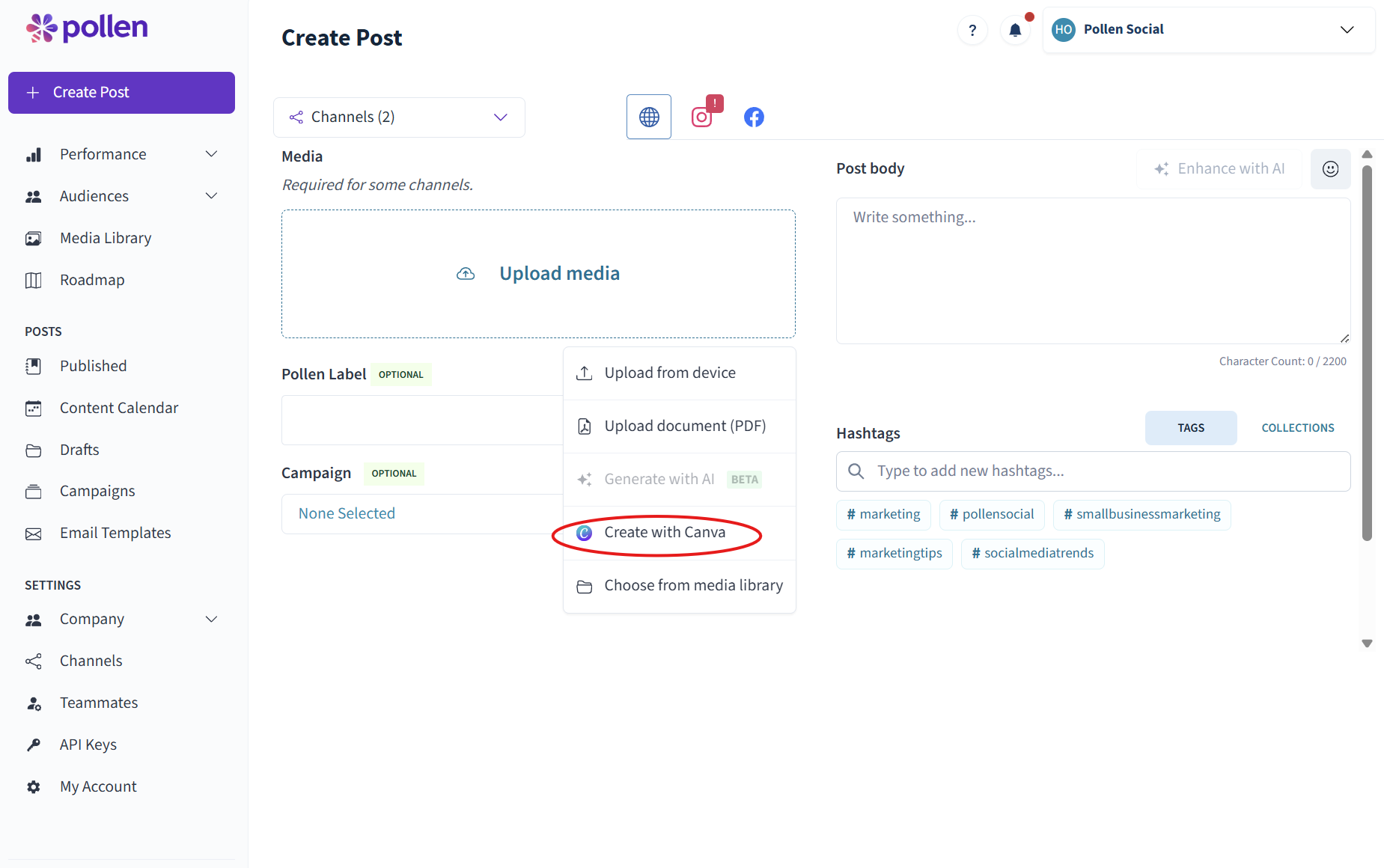
In the media upload section, click the Upload Media dropdown.
-
-
Select “Connect to Canva”
-
From the dropdown menu, choose Connect to Canva.
-
-
Log Into Canva
-
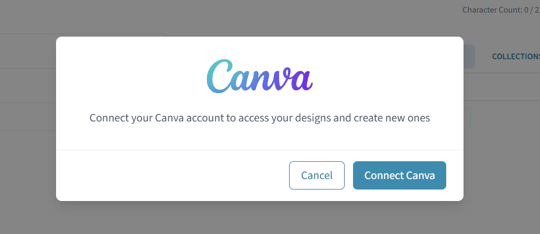
You’ll be redirected to Canva’s login screen.
-
Log in using a Canva account where you are the Owner or an Administrator.
-
-
Authorize Access
-
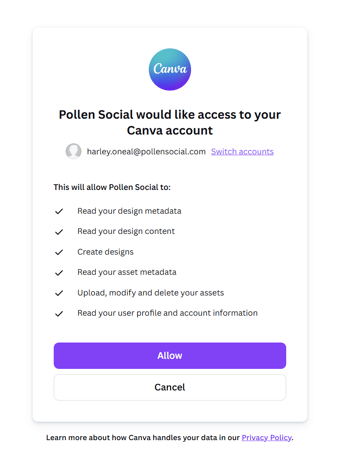
Approve Pollen’s request to access your Canva designs.
-
-
Import Your Designs
-
Once connected, you can browse and select Canva designs to pull directly into your post.
-
How Canva Works Inside Pollen
-
Canva designs are imported as media files
-
Imported assets can be used in posts just like uploaded images or videos
-
The Canva connection allows for media access only
-
Posting, scheduling, and analytics are handled entirely within Pollen
Best Practices
-
Ensure designs are sized correctly for each platform before importing
-
Finalize text and design edits in Canva prior to bringing assets into Pollen
-
Use Canva brand kits to maintain consistency across posts
-
If you don’t see Canva as an option, refresh the page and try again
Common Questions
Why don’t I see Canva under my connected channels?
Canva does not appear as a social channel. It only appears as a media source during post creation.
Why can’t I connect my Canva account?
You must be the Owner or an Admin on the Canva account to authorize the connection.
Summary
The Canva integration in Pollen makes it easy to bring your designs directly into your posting workflow. By connecting Canva during post creation, you can move faster, reduce friction, and keep your content process all in one place.